Send to any bank with a name check
Type an account number and zillipay works out the bank and shows the real account name before you continue.

Everyday money
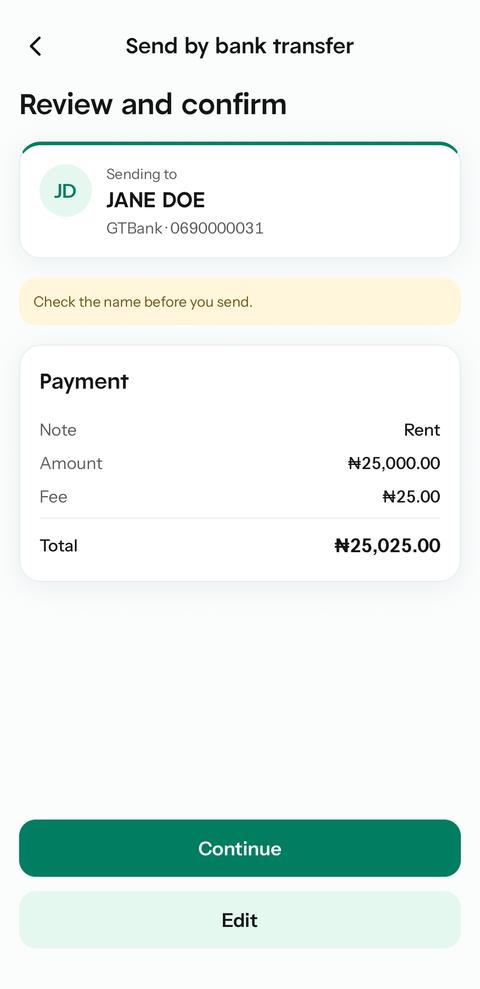
Every payment shows the verified account name and the full cost before you enter your PIN. If a bank is slow to answer, zillipay keeps checking instead of letting you pay twice.
For: Personal users, freelancers and business owners
Send money
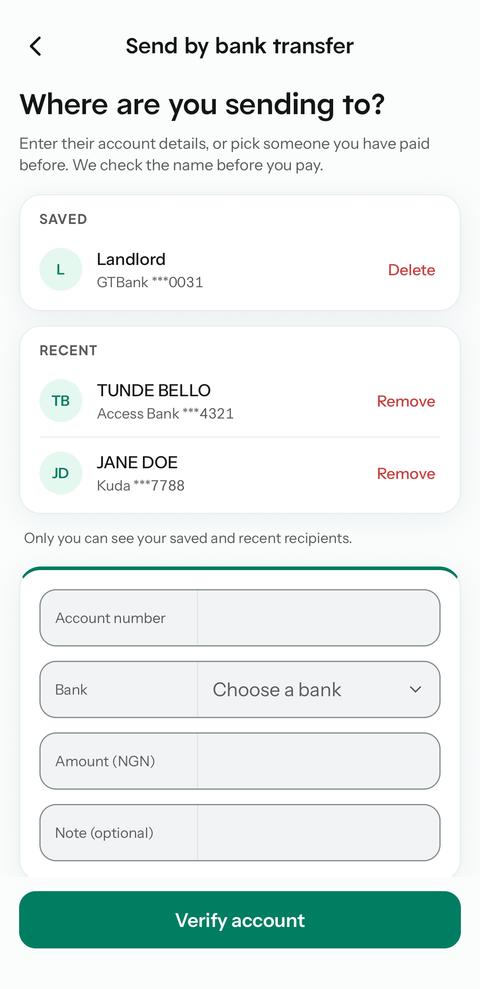
Saved and recent
Review and confirm
Enter your PIN
Demo PIN: press any four keys.
0 of 4 digits entered
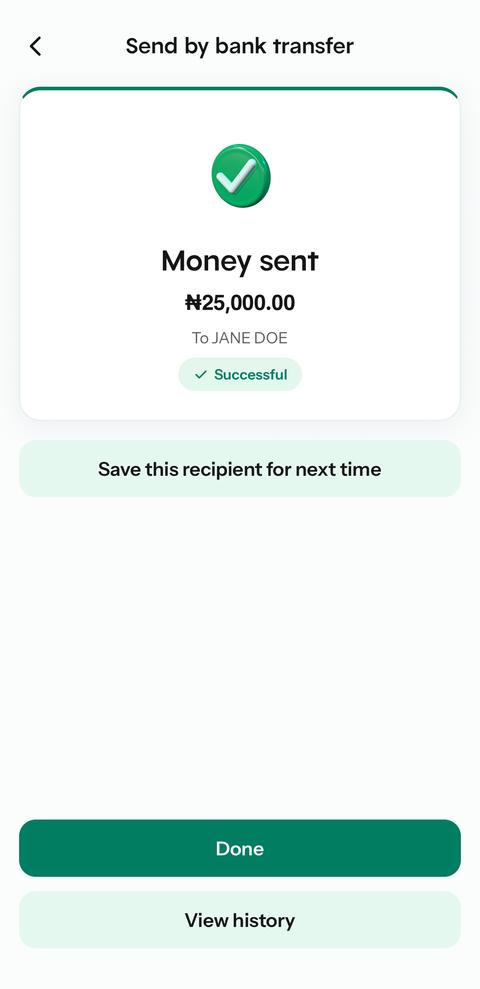
Money sent
Timeline
Reference ZP-DEMO-4821
Type an account number and zillipay works out the bank and shows the real account name before you continue.
Pay the same people again without retyping their details. The name is still checked every time.
If a payment is slow, zillipay checks with the provider until it knows the outcome. A late success or a reversal is handled once.
Pay another zillipay user by their tag. You see their real name, then confirm with your PIN or Face ID.
No surprises. The confirm screen lists the amount, the zillipay fee and the total that leaves your wallet.
Send money, approve payouts and run payroll with example people and amounts.